

Introduction
Sendtric provides countdown timers that help to email maximise conversions, generate more sales, and inject urgency into your landing pages, emails and marketing touch points.MoEngage × Sendtric
With the MoEngage and Sendtric integration, you can add countdown timers to emails that contain time-sensitive products, sales, or events.Integration
PrerequisitesAccess to your Sendtric dashboard.
Step 1: Create your countdown timer on Sendtric
- Go to the Sendtric dashboard and create your countdown timer. Refer to the document here to know more on creating countdown timers on sendtric:\
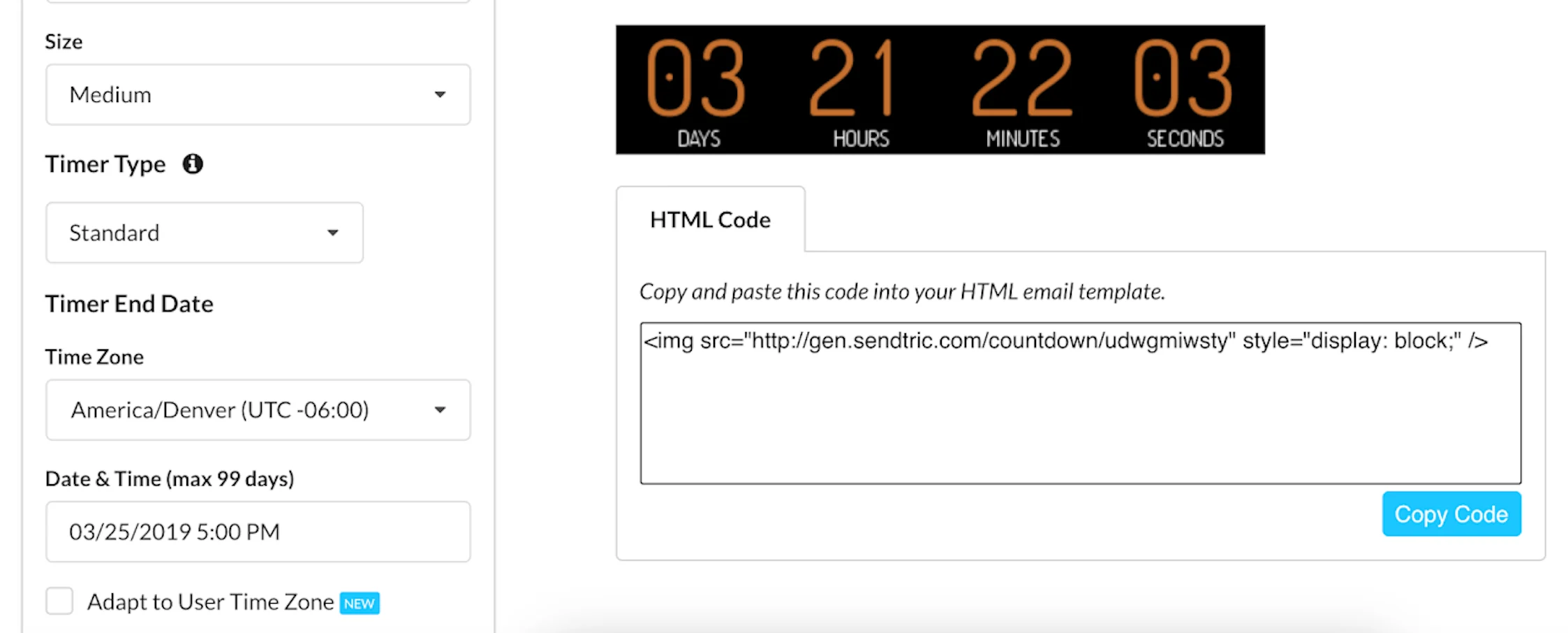
- Once you have created your timer, you can just an option to code code.
- Copy this code. You will need to paste it inside your MoEngage Campaign’s Template.
Step 2: Use this code inside MoEngage Campaigns
To include the Sendtric code in your MoEngage campaign, on step 2 of the campaign creation: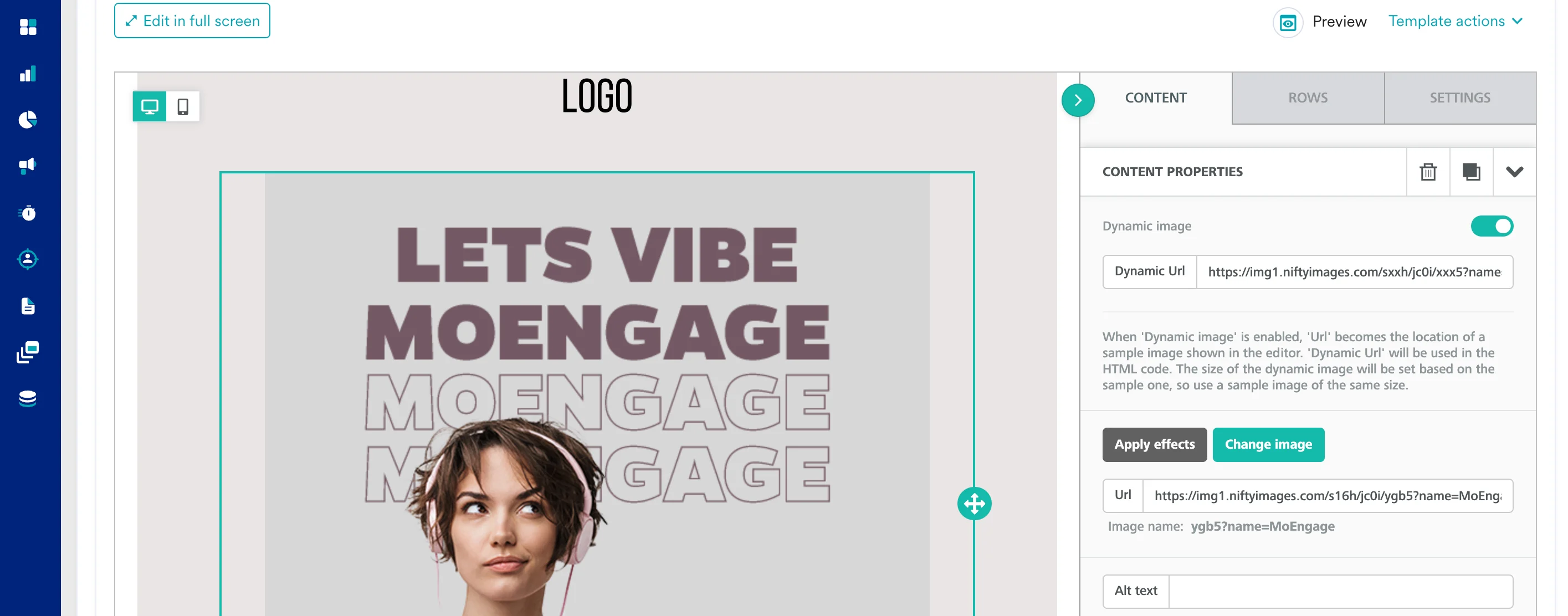
- Create a new HTML block
- Paste the copied code from Step 2 inside HTML Block.
- Replace the
MERGE_TAGwith MoEngage Templating code by typing ”@” and selecting the appropriate attribute to personalize: