

Introduction
The Certona platform drives personalization across the customer lifecycle. From highly individualized email campaigns to machine-learning-powered product recommendations, Certona ensures that you’re harnessing the power of personalization.MoEngage × Certona
The MoEngage and Certona integration leverages Certona’s machine learning product recommendations in MoEngage campaigns via Content APIs.Integration
Prerequisites
- Ensure that you have a Certona account.
- Ensure that you have access to the Certona REST API endpoint. This endpoint is used directly in your MoEngage Content APIs to pull recommended content based on user ID.
Step 1: Add content API on MoEngage
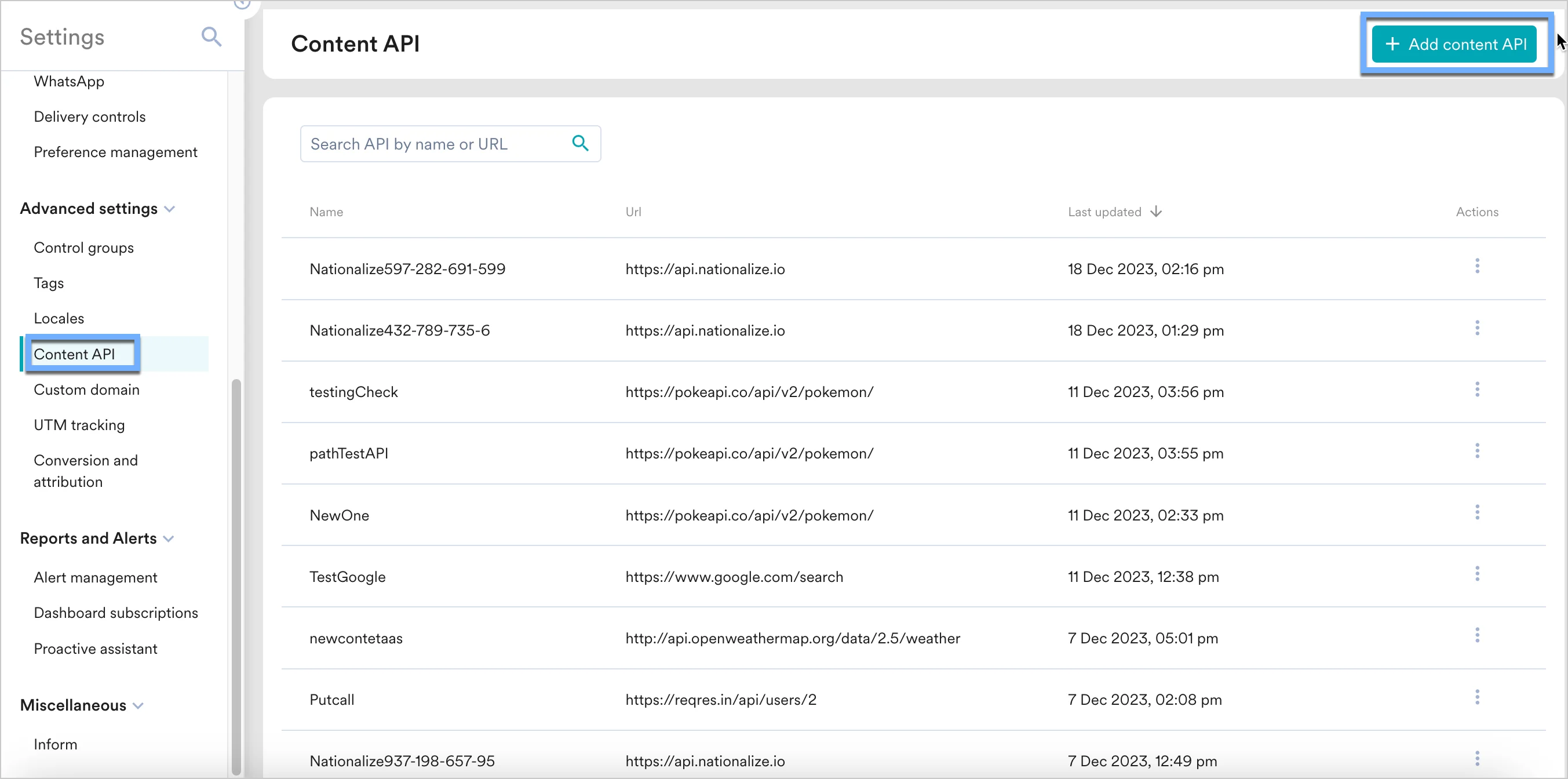
Log in to the MoEngage Dashboard and follow these steps:- Navigate to Settings -> Advanced settings -> Content API. Click + Add content API at the top right corner of the Content API screen.
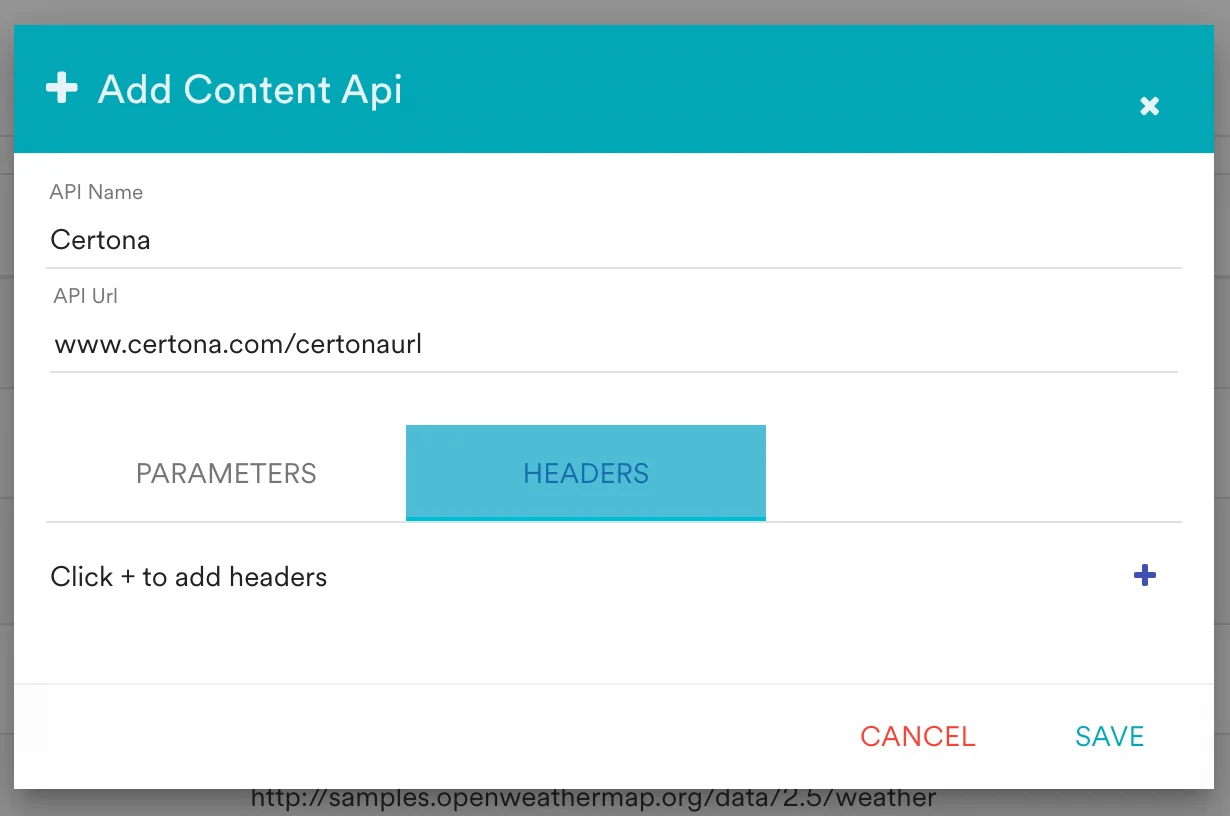
- Add your Certona API to the endpoint URL.
Step 2: Using content APIs in MoEngage campaigns
You can now use these content APIs in your campaigns. Read here to know more about Content APIs- On step 2 on your campaign creation, enter @.
- In the pop up, you can select the Certona Content API configured in Step 2.
- You can use MoEngage Templating Language to parse through the API response and use the content in your campaigns.
