

Introduction
Stripo is a drag-and-drop email template builder that helps you create and design responsive emails with interactive elements. Stripo users can also edit in HTML and decide which elements to display or hide on various devices through the Stripo editor.MoEngage × Stripo
The MoEngage and Stripo integration allows you to export your customized Stripo emails and send them as email templates to MoEngage.Integration
PrerequisitesEnsure you have a Stripo account.
Step 1: Create a Stripo email
On your Stripo dashboard, create any email template. And then click Export on the top.
Step 2: Export templates to MoEngage
- In the pop up, navigate to the section Export to ESV
- Search for MoEngage
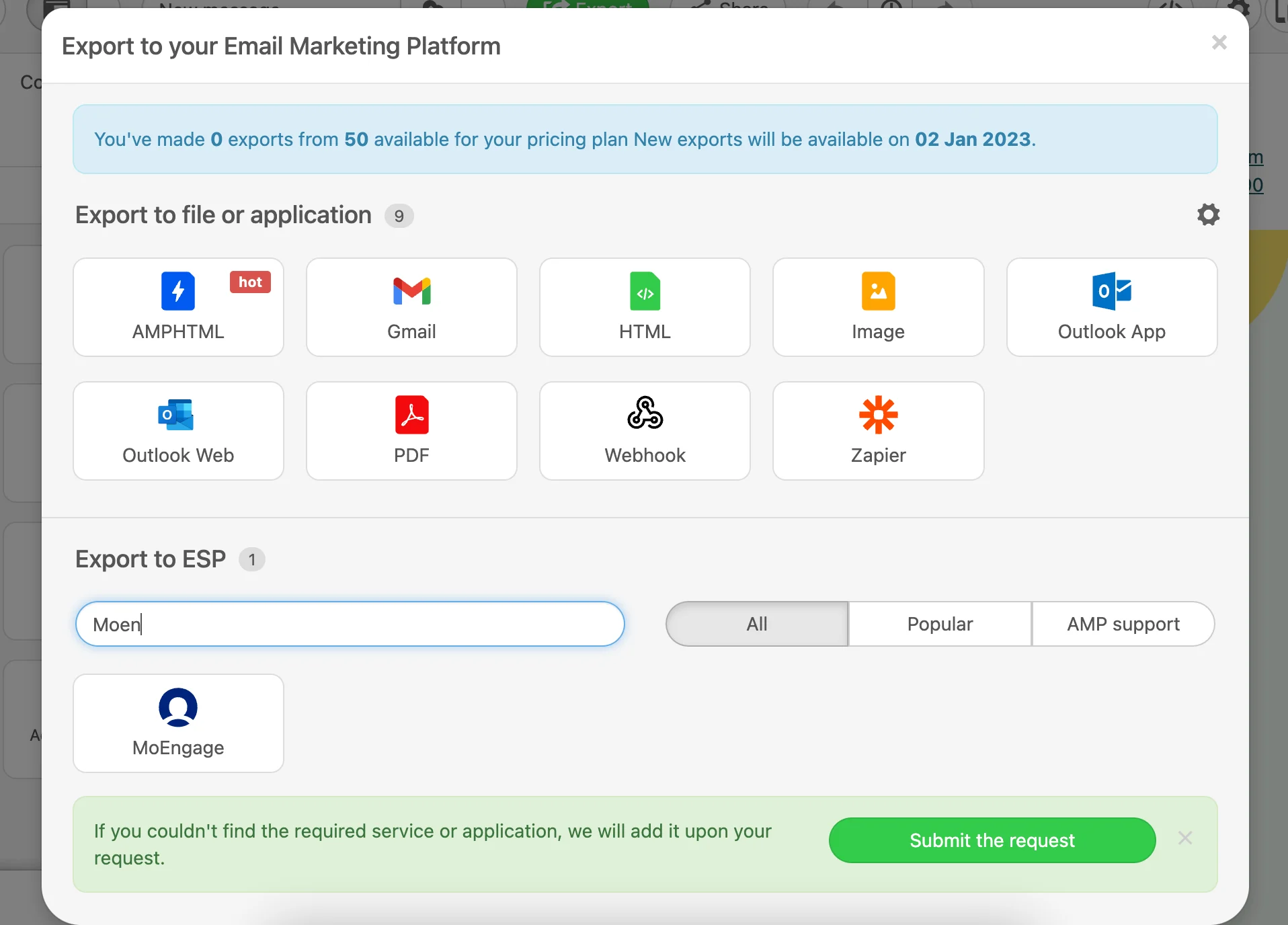
- Click on the MoEngage card. A pop up will appear.
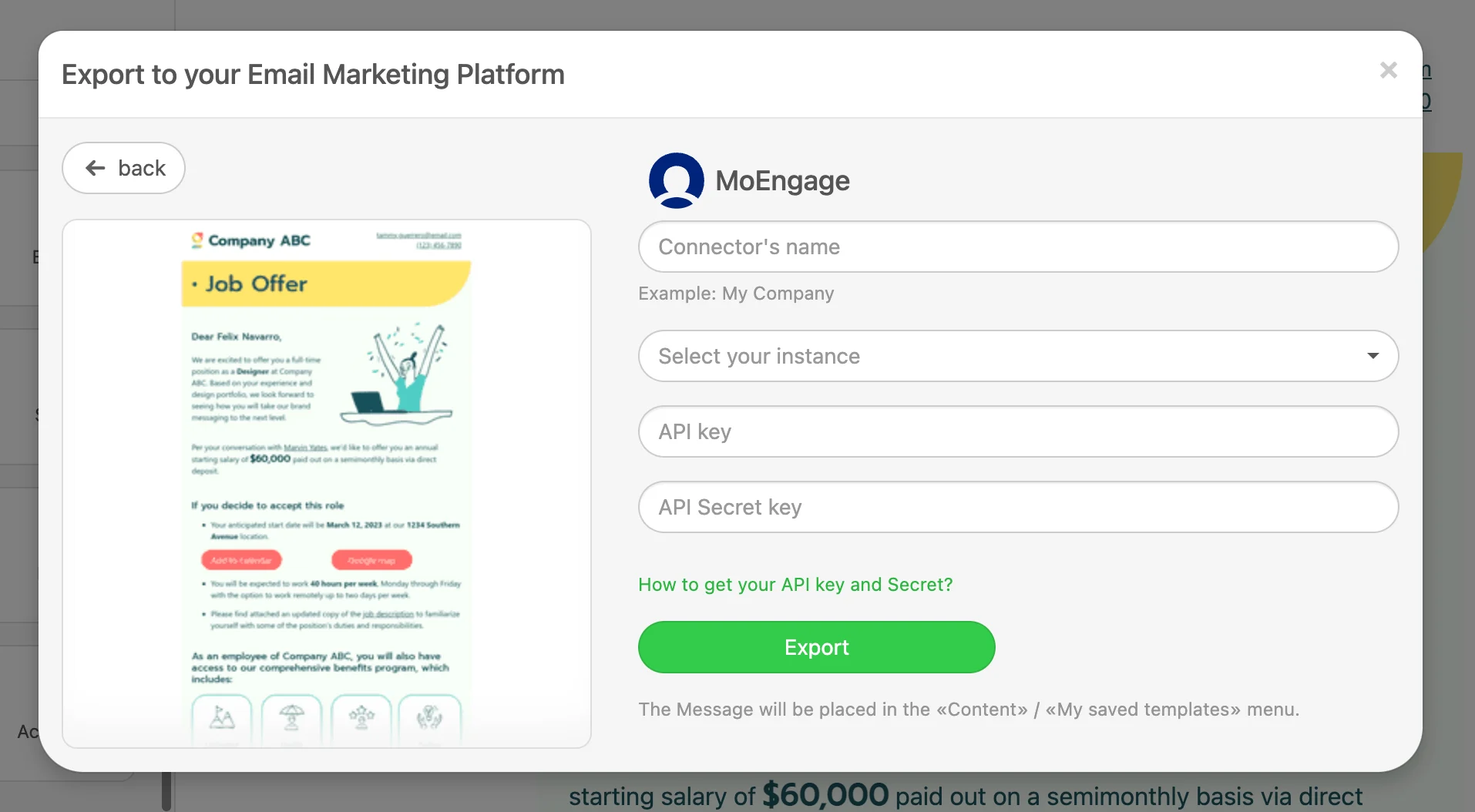
- Add the details of your MoEngage account and click Export.
Note: This is a one-time setup. Any exports in the future will automatically utilize the same credentials.

Step 3 - Using translation in MoEngage campaigns
Email templates-
Once the templates are created, you will be able to access them in Step 2 of your Email Campaigns. You will see the newly created templates under the My saved templates section. Click here to know more about using templates in Email Campaigns.