

Early AccessAI Campaign Decisioning is available only for Push. To enable it for your workspace, contact your MoEngage Customer Success Manager (CSM) or the Support team.
- Label Category: A theme, such as Message Tone.
- Label: A value within a category, such as Playful.
- Label category
- Labels
Structure and Rules
Content Labels work in the following way:- The hierarchy has only one level. Label Categories contain Labels, with no sub-levels.
- You can create up to 25 label categories.
- Each category can contain up to 20 labels.
- You can create up to 120 labels across all categories.
- Each label belongs to only one category.
- Each label has a weight between -100 and +100. The default value is 0.
- Content Labels are separate from campaign tags and are not shared.
- Incentives
- Message Tone
- User Motivation
- Platform Benefits
Create a Label Category
Perform the following steps to create a Label Category.- On the left navigation menu in the MoEngage dashboard, go to Settings > Advanced settings > Content Labels.
-
Click the Label category tab.
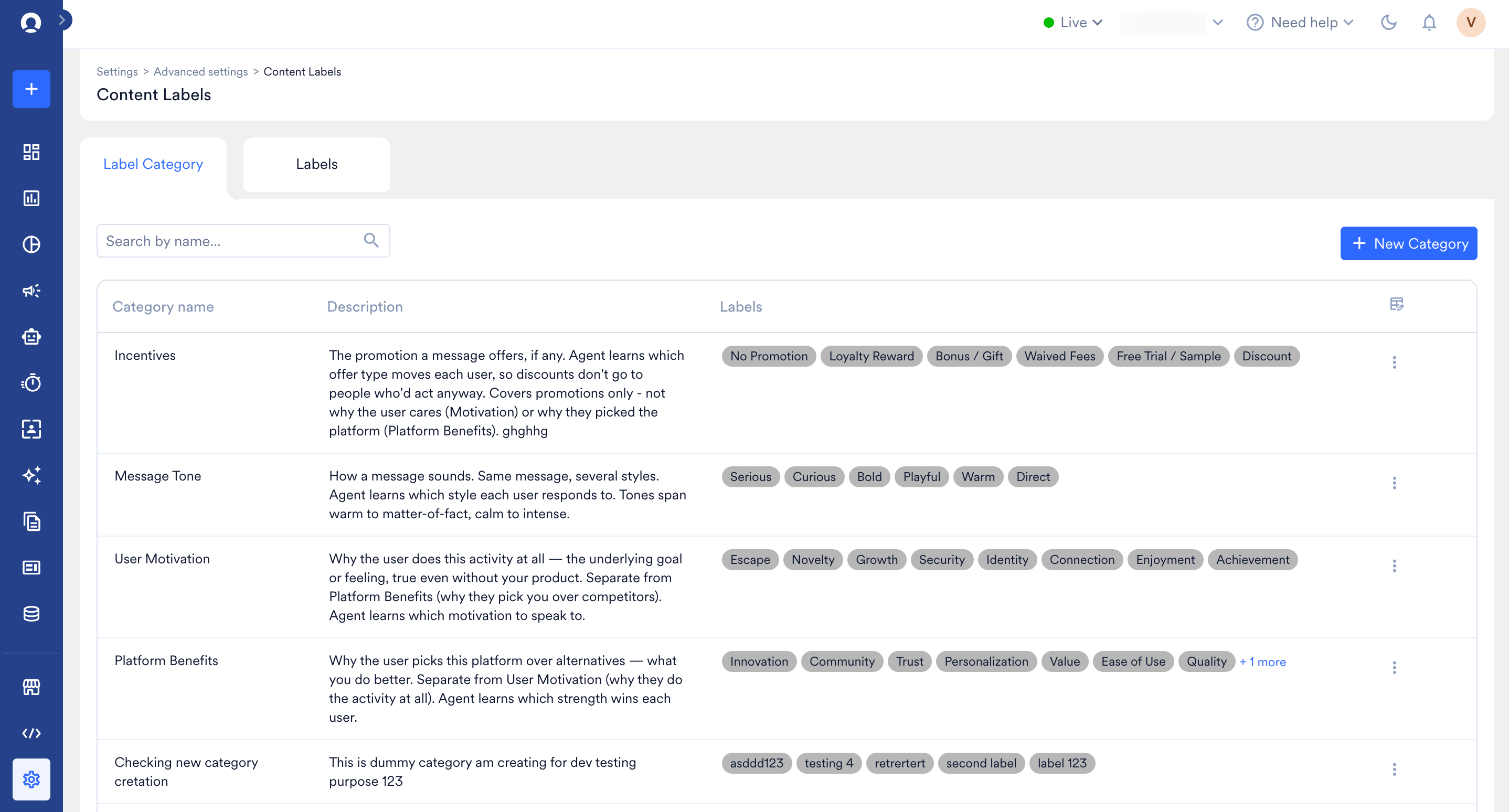
- Click + New Category.
-
In the Create new category dialog box, enter the category name (required, up to 50 characters) and category description (up to 500 characters).
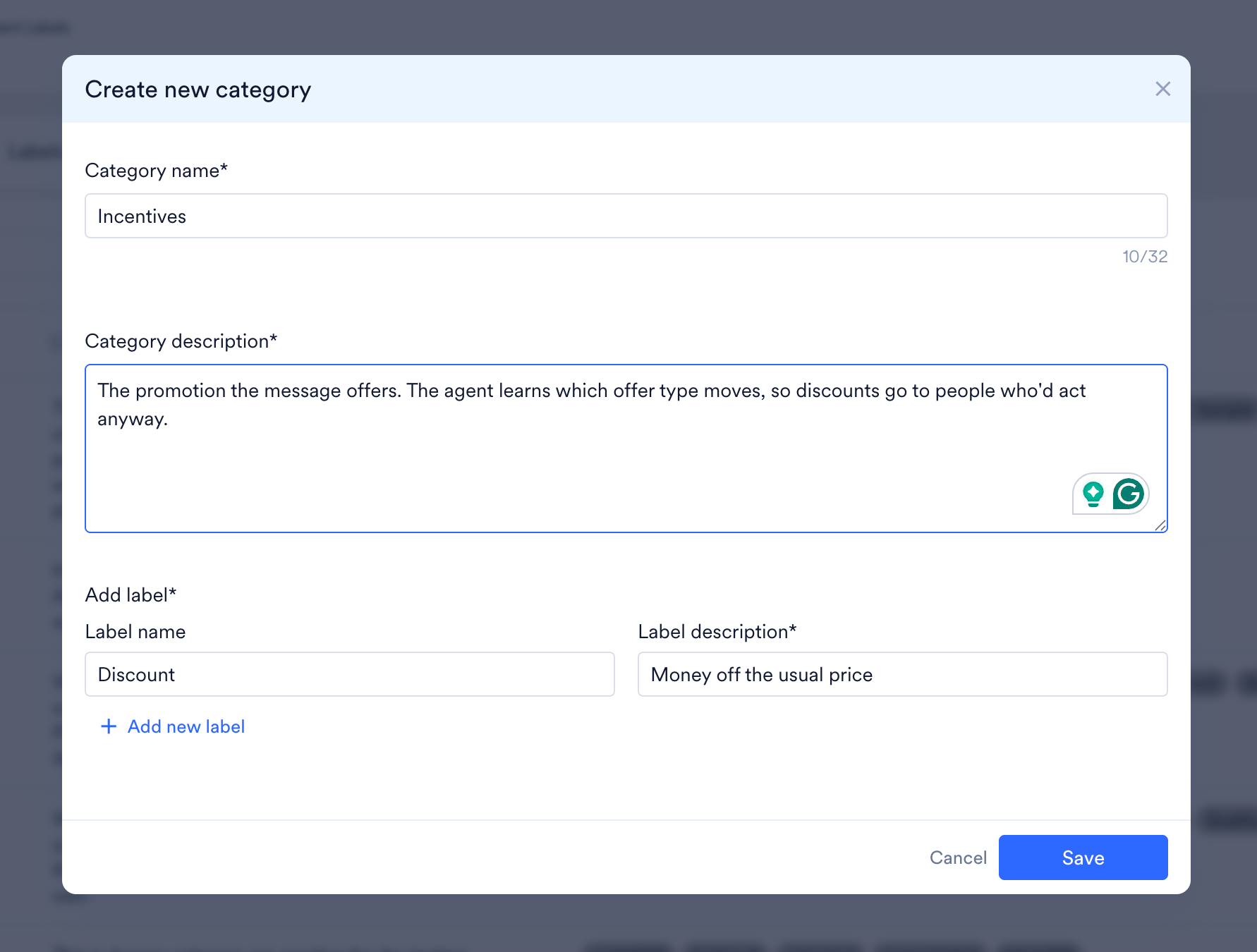
- In the Add label section, enter the Label name and Label description for each label.
- To add more labels, click + Add new label.
- Click Save.
Labels and label descriptions help the model assign the most suitable label and send the best variant to the end user.
Create a Label
Perform the following steps to create a Label.- On the left navigation menu in the MoEngage dashboard, go to Settings > Advanced settings > Content Labels.
-
Click the Labels tab.
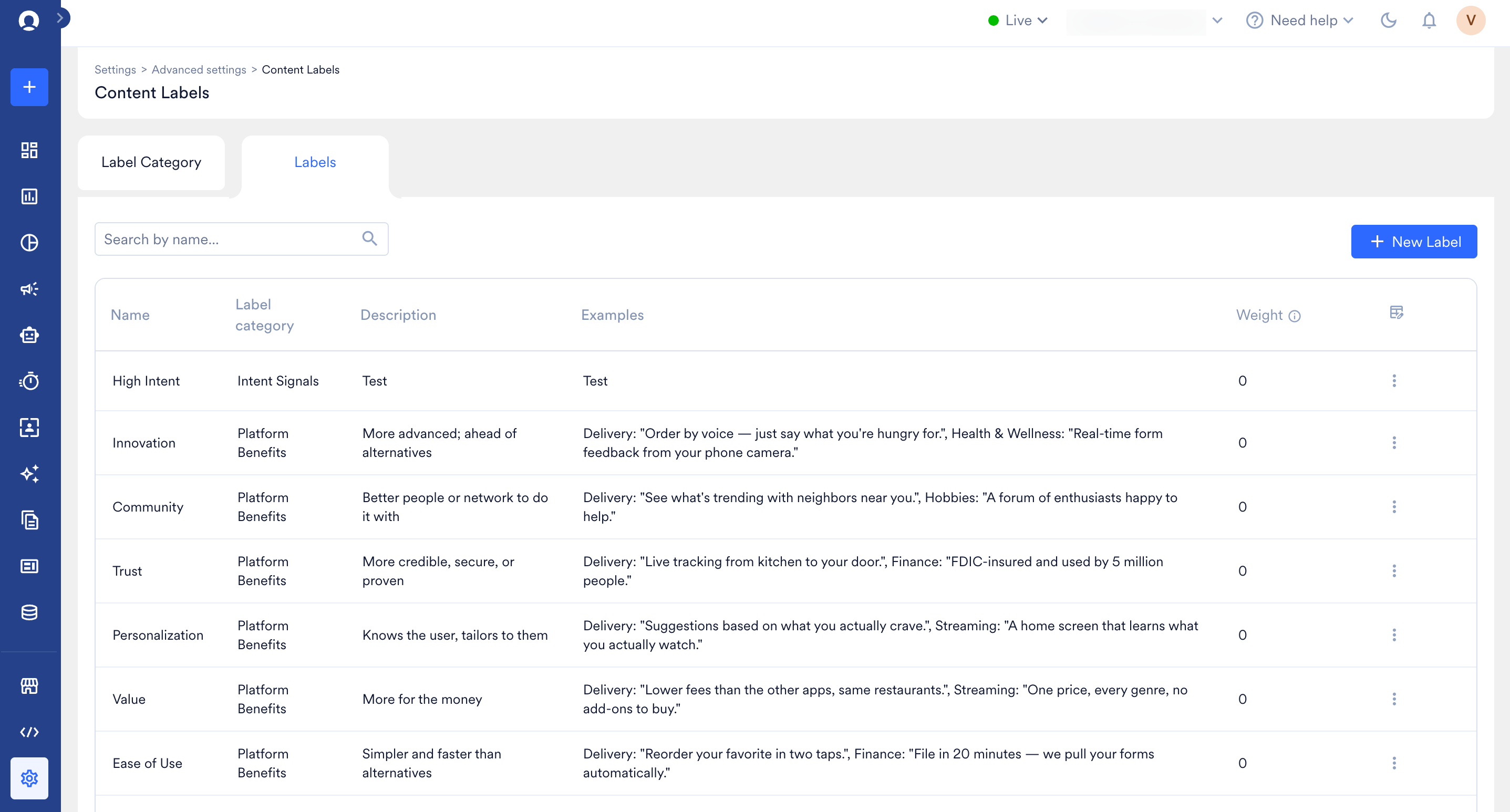
- Click + New Label.
-
In the Create new label dialog box, enter the label name (required, up to 50 characters), category, label description (up to 500 characters), examples (up to 500 characters), and label weight. Use the slider to set a value from Low (-100) through Neutral (0) to High (100).
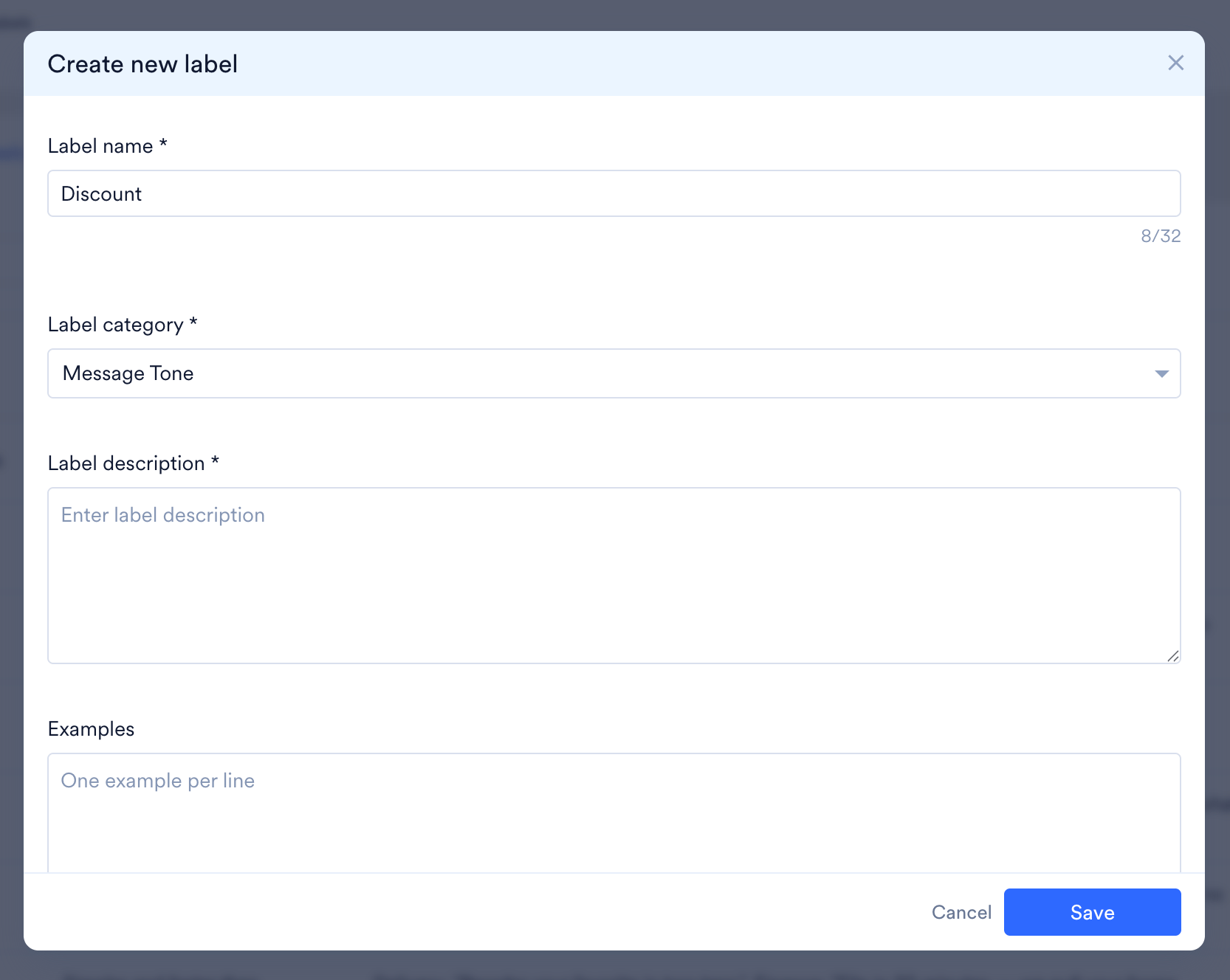
- Click Save.
Label Examples
The following examples show well-written label descriptions and example messages. Each example is written astitle | body.
Flights
- Label category: Platform Benefits
- Label description: Promotes the flight-booking side of the platform: searching, comparing, or booking flights, fare alerts, or flight-specific features like seat selection and web check-in. Not for hotels, trains, buses, or holiday packages; those belong to their own Platform Benefits labels. Not for flight discounts or coupon codes; those belong to Incentives.
- Your next trip starts here ✈️ | Compare fares across 500+ airlines in one search
- Skip the airport queue | Web check-in & pick your seat right in the app
- Fares just dropped on your route 📉 | Delhi → Goa, tap to see today’s lowest
Affordability
- Label category: User Motivation
- Label description: Appeals to getting good value for money: everyday low prices, budget-friendly picks, “under ₹X” collections, or quality that doesn’t cost much. Not for time-limited sales, coupon codes, or percentage-off deals; those belong to Incentives. Not for premium or luxury positioning.
- Style on a budget 👗 | Everything under ₹499, every day
- Look good, spend less | Our best-value basics are back
- Why pay more? | Same quality, half the price tag
Urgency
- Label category: Message Tone
- Label description: Pushes the user to act now rather than later, through scarcity, high demand, “before it’s gone” framing, or a direct nudge to act right away. Not for messages that are only excited or energetic with no reason to act now. Not for discounts or offers on their own; those belong to Incentives.
- Almost sold out 🔥 | Today’s special is going fast, grab yours
- Everyone’s ordering this | Kitchens near you are filling up, order now
- Don’t miss this one | Once it’s gone, it’s gone 🍱
- Still thinking? | Your cart won’t wait forever, check out now
View and Manage Content Labels
You can edit some Content label fields, but others cannot be changed.For periodic campaigns, changes to a label’s weight, description, or examples take effect from the next run onward.