

Behavior & Segmentation Users
To analyze users on Behavior Page, select Plot For as Total Users. This option shows unique users for the selected granularity in the line/area chart or overall unique users in the bar chart.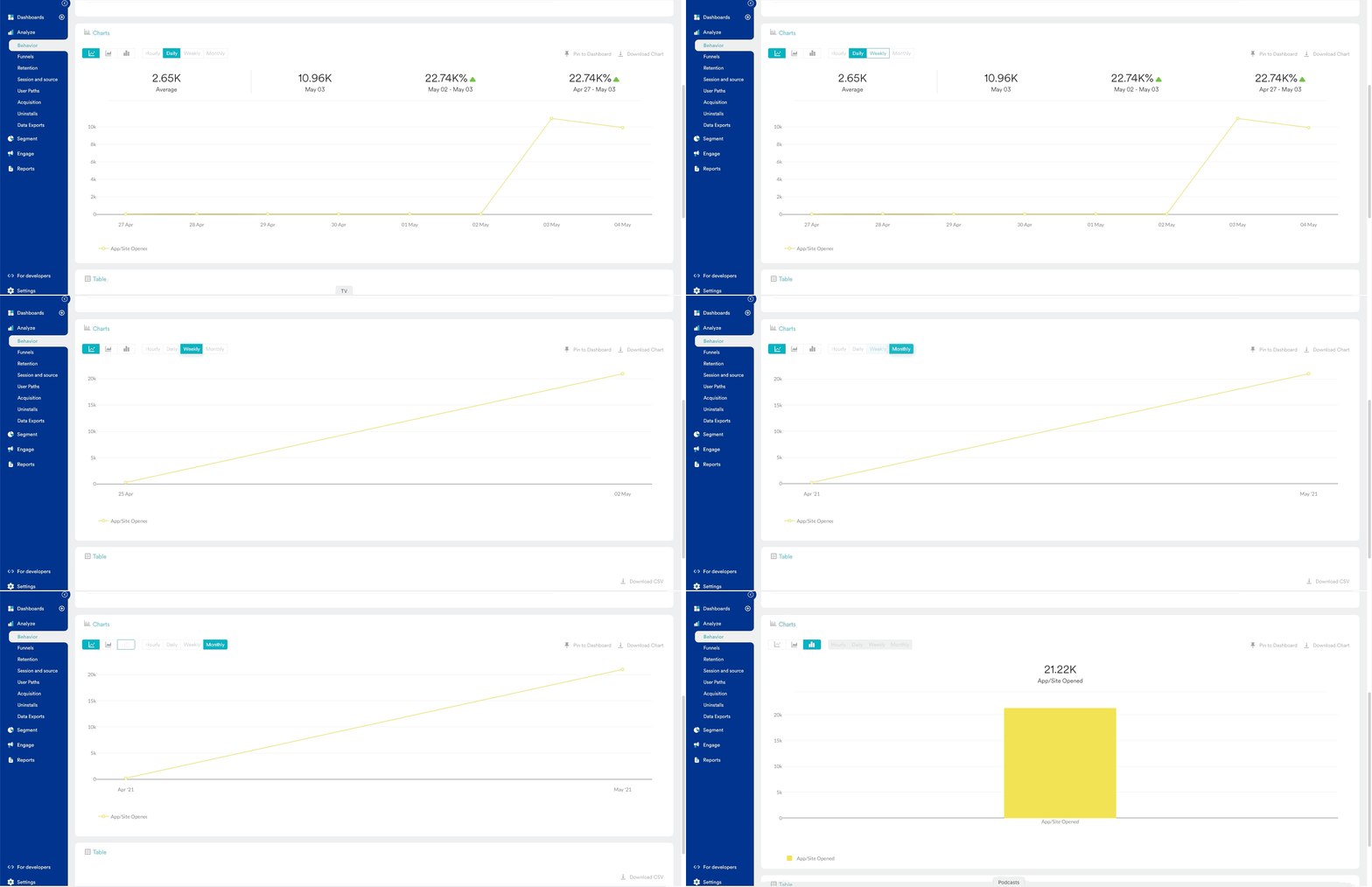
User Merging
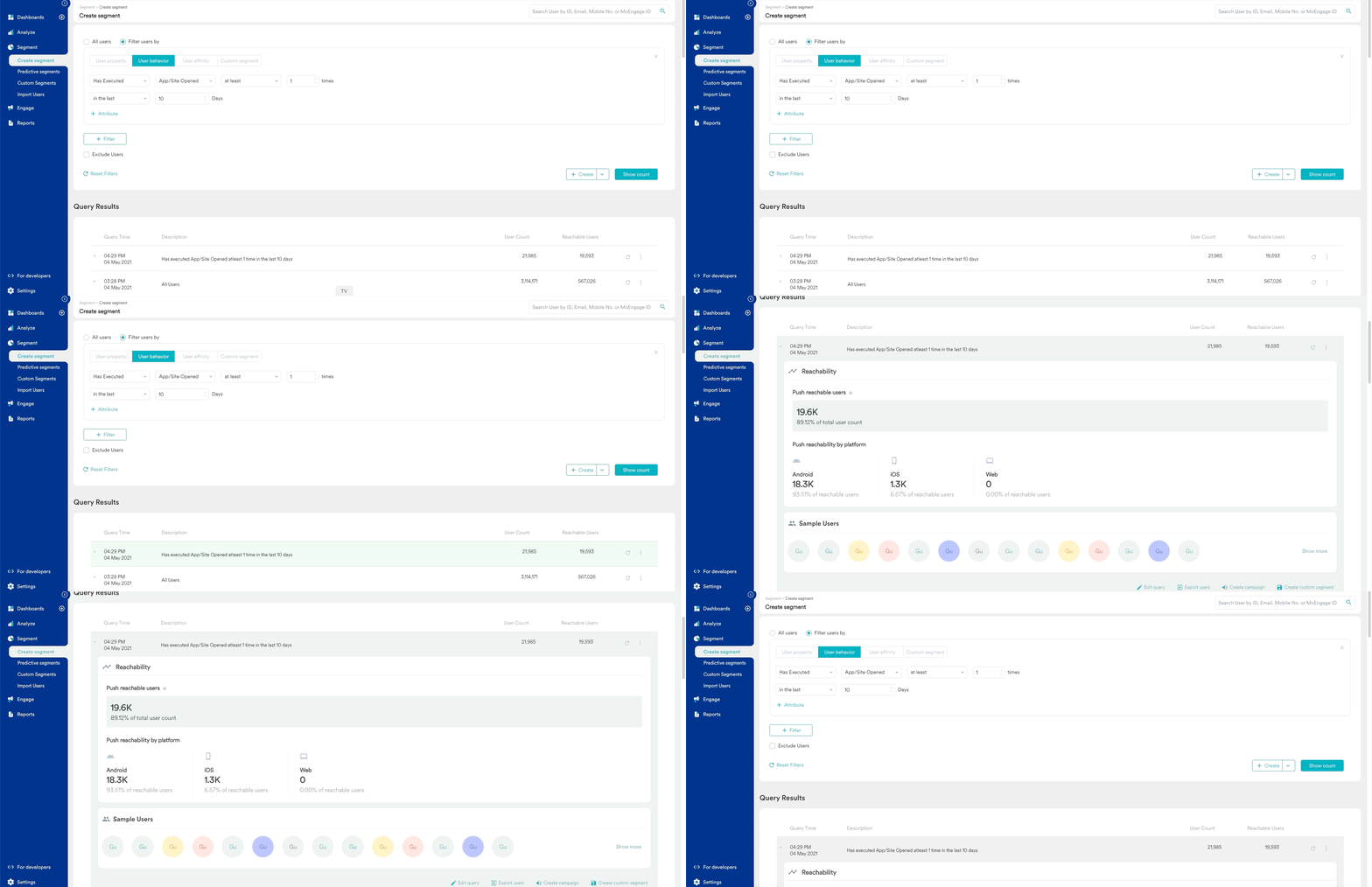
A few times these two user counts from the segmentation page and behavior page do not match. This may happen due to user merging. In MoEngage engagement Module, the user who is coming from different devices is merged when the user logs in. User Merging is explained in detail here. The user merging is available in MoEngage Analytics Module as well. However, it is not enabled by default. Hence there are some leftover anonymous users present in the system. A normal person may have 2 kinds of events in analytics when the user was anonymous and when the user was logged in and hence identified as two different users. To overcome this scenario, you can enable user merging. This will help you to merge the anonymous user IDs with registered user IDs and show those uses as One. To enable user merging follow the path: Settings -> General Settings -> Analytics Settings -> Enable User Merging
Funnel and Segmentation Users
There can be a difference in funnel user count and segmentation user count. This is primarily due to how funnel and segmentation work. The funnel considers the order of the event. For a user funnel of events E1 and E2, the final number is users who have done event E1 and after that E2. Users who have performed E2 before E1 are not considered. Segmentation does not consider the order of the event. For a user segment of events E1 and E2, the final number is users who have done both events, E1 and E2. It doesn’t matter which is the first and which is the second event.First-Time Event Filters
When you filter users with the for the first time operator, Behavior and Segmentation can return different user counts for the same event and date range. This is expected behavior because each page checks a different event history:- Segmentation checks whether the user’s first-ever occurrence of the event falls inside the selected date range. Users who performed the event before the start of the range are excluded. The check covers only the events data retention period of your workspace. For more information, refer to Filters in Segmentation.
- Behavior looks for each user’s first occurrence of the event within the selected date range. Occurrences before the start of the range are not checked.