

Introduction
Vonage is a communication platform as a service (CPaaS) provider for consumers and businesses that makes it possible for customers to connect and communicate on any device through cloud-hosted voice, video, chat, and short message service (SMS). For the latest details on Vonage’s SMS capabilities and API setup, refer to Vonage’s SMS Channel User Guide.PrerequisitesEnsure you have access to your Vonage dashboard.
Configure Vonage as a Custom SMS Connector (Service Provider)
The Vonage Conversations for MoEngage connector runs on Vonage Cloud Runtime. Setup involves creating a custom SMS sender in MoEngage, deploying the connector instance, generating a bearer token in the connector admin panel, and completing delivery tracking. The connector supports two operating modes: Standalone and Conversational Connect. For prerequisites, step-by-step configuration, delivery field mappings, and troubleshooting, refer to the Vonage MoEngage Connector SMS Channel Guide.Alternative: Direct Vonage SMS API (Without the Connector)
This article will help you set up Vonage as a custom service provider on the MoEngage dashboard. Before proceeding, ensure you have the following parameters for calls to Vonage API (Nexmo). You can find your Key and Secret in Vonage Dashboard. You can also read about Vonage SMS API here.
Log in to the MoEngage Dashboard and follow these steps:
- Navigate to Settings > Channels > SMS & RCS > Sender configuration > SMS.
- Click +Add SMS Sender at the top right corner.
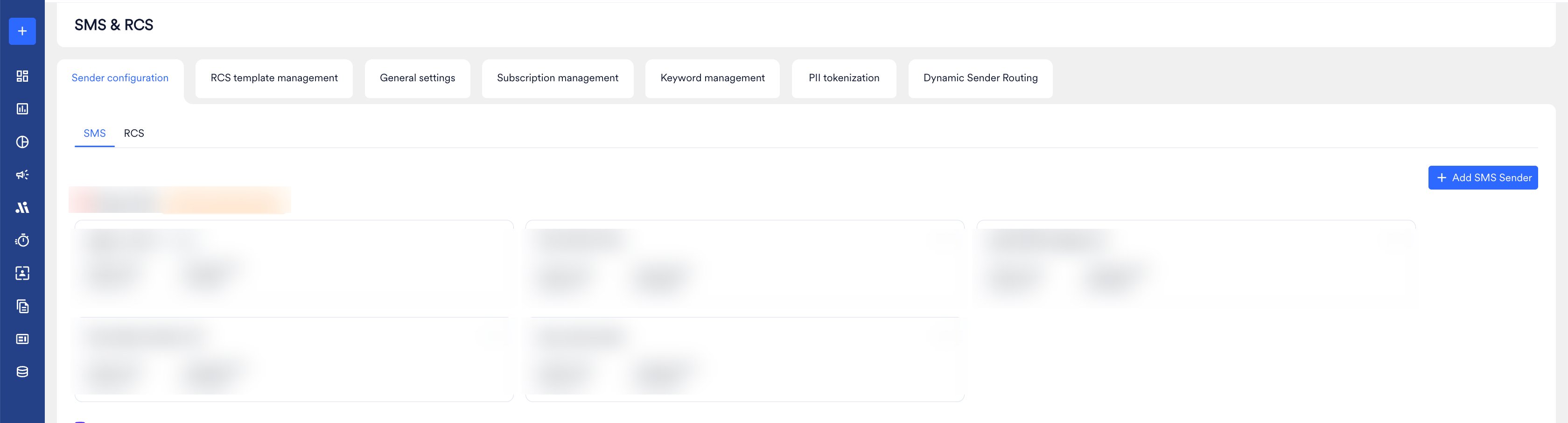
- Add the following details in the Sender Details screen.
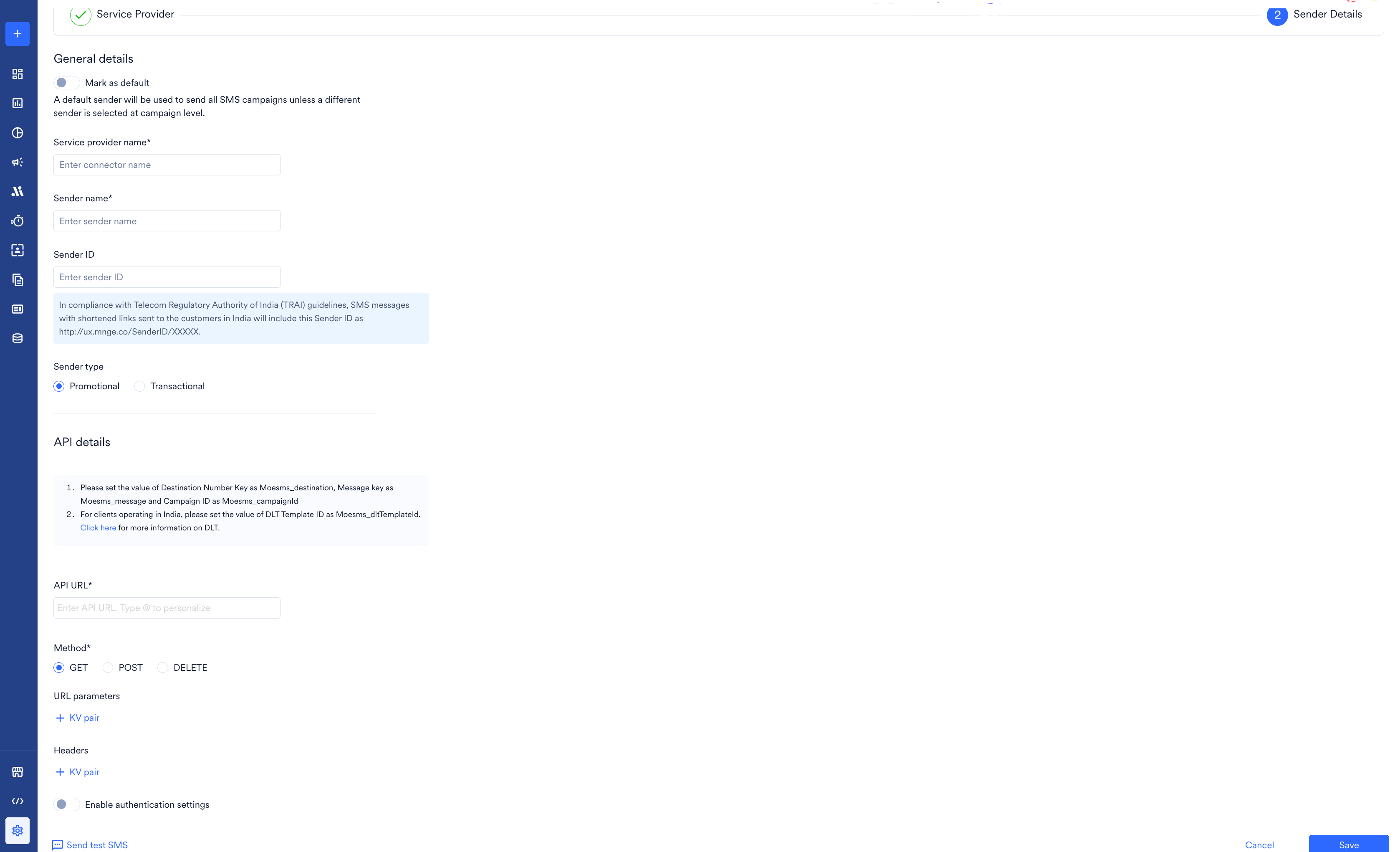
- Configure the Webhook by adding the following details:
| Field | Description |
|---|---|
| API URL | This field contains information about the URL that should be used to send an API request to the Sender. You can get this information from the API Documentation of the Sender. Type the API Endpoint of the sender here. The Vonage URL is: https://rest.nexmo.com/sms/json |
| Method | Select POST as the HTTP method. |
| URL Parameters | Add the URL Parameters to be passed to the API as Key-Value pairs using this option. You can get this information from the API Documentation of the Sender. For example, if the API URL call uses the GET method, all the parameters, such as API Key, Authorization, and so on, are passed as URL Parameters. |
| Headers | Add the Request Headers to be passed to the API as Key-Value pairs using this option. You can get this information from the API Documentation of the Sender. Add the Authorization Header. |
| Body Type | Choose the Body Type as Form and add the following details: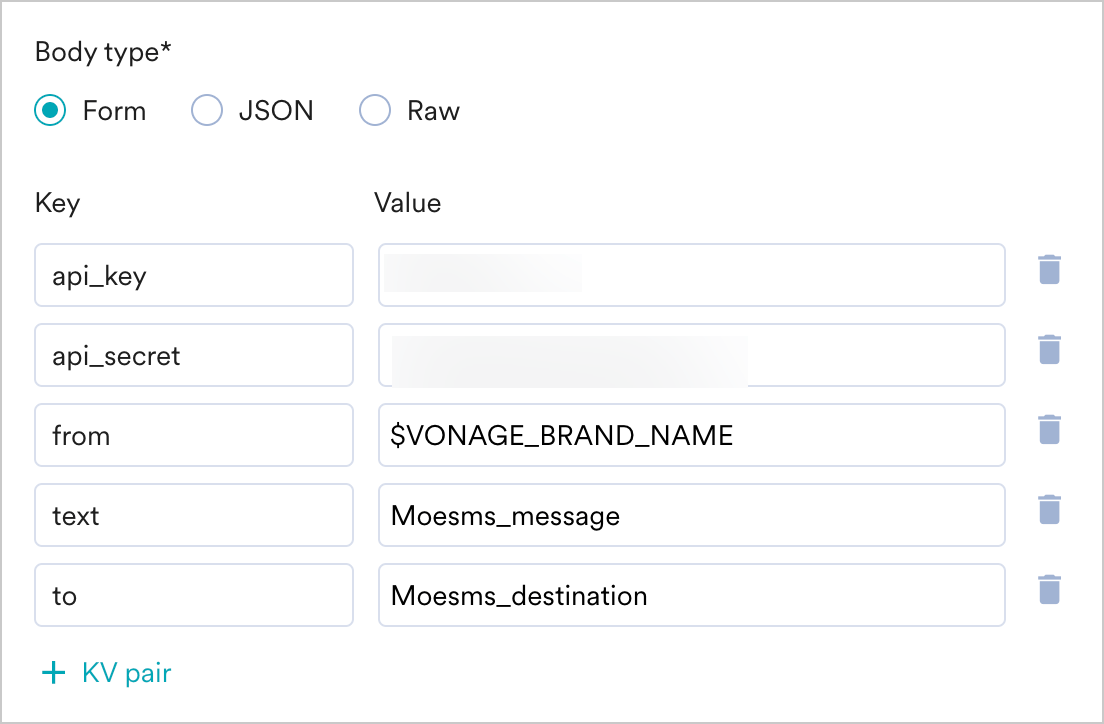 1. You can find your Key and Secret in Vonage Dashboard. 2. In the to field, add Moesms_destination to pass the mobile number of the user. 3. In the text field, add Moesms_message. 4. In the from field, add the sender ID of your account provided by Vonage. |
- Send a test SMS to verify your configuration.
- Click Save to save the Sender Configuration.
- You can configure delivery tracking after creating the sender in the MoEngage Dashboard. For information about Delivery Tracking, refer to Delivery Tracking for Custom Connectors.
Next Steps
- Create an SMS campaign using the Getting Started for creating SMS campaign.
- Set the Frequency Capping for SMS.
- Set the Current Service Provider.
- Read more about campaign analytics.