

Introduction
Stripo is a drag-and-drop email template builder that helps you create and design responsive emails with interactive elements. Stripo users can also edit in HTML and decide which elements to display or hide on various devices through the Stripo editor.MoEngage × Stripo
The MoEngage and Stripo integration allows you to export your customized Stripo emails and send them as email templates to MoEngage.Integration
PrerequisitesEnsure you have a Stripo account.
Step 1: Create a Stripo email
On your Stripo dashboard, create any email template. And then click Export on the top.
Step 2: Export templates to MoEngage
- In the pop up, navigate to the section Export to ESV
- Search for MoEngage
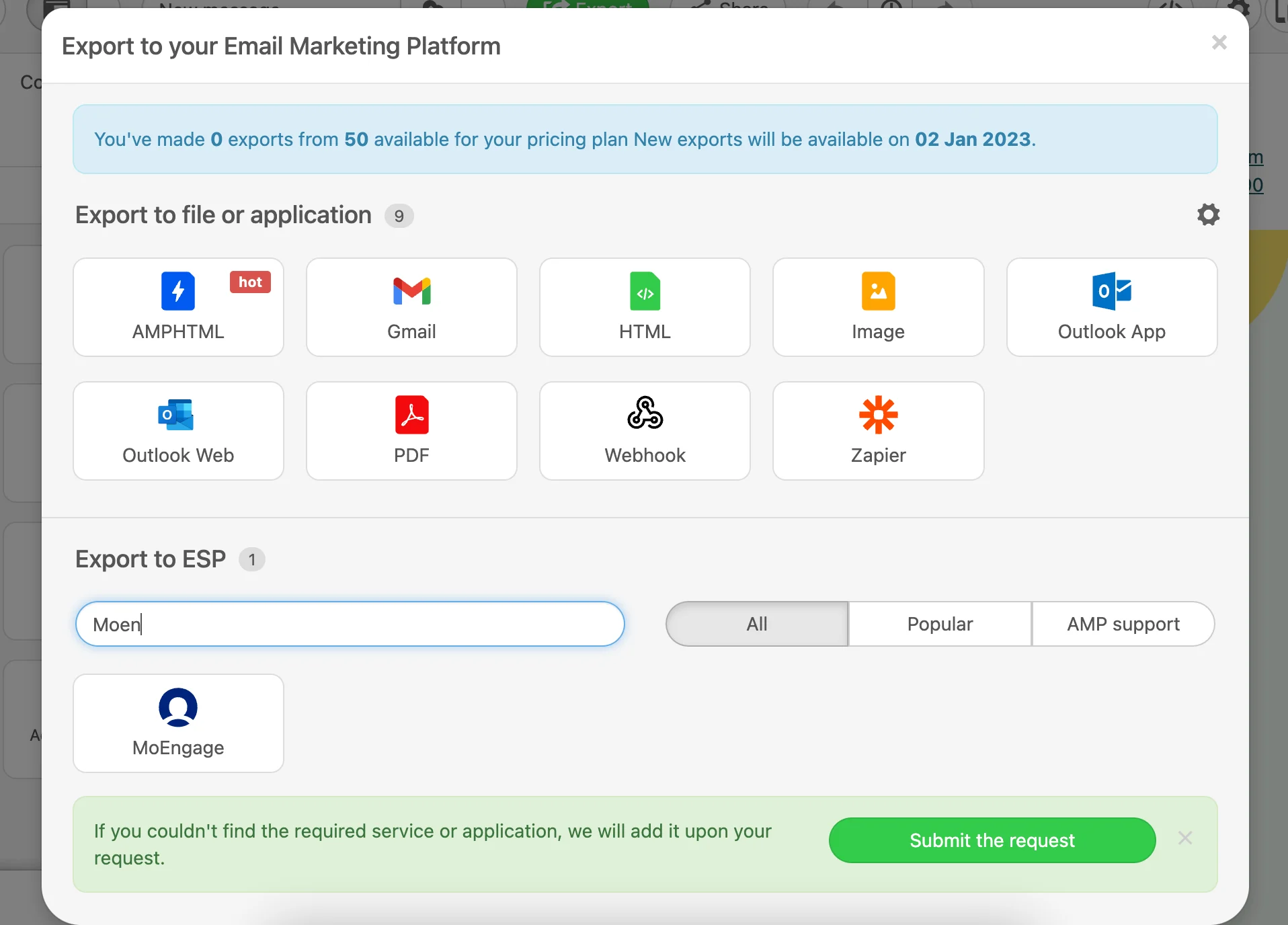
- Click on the MoEngage card. A pop up will appear.
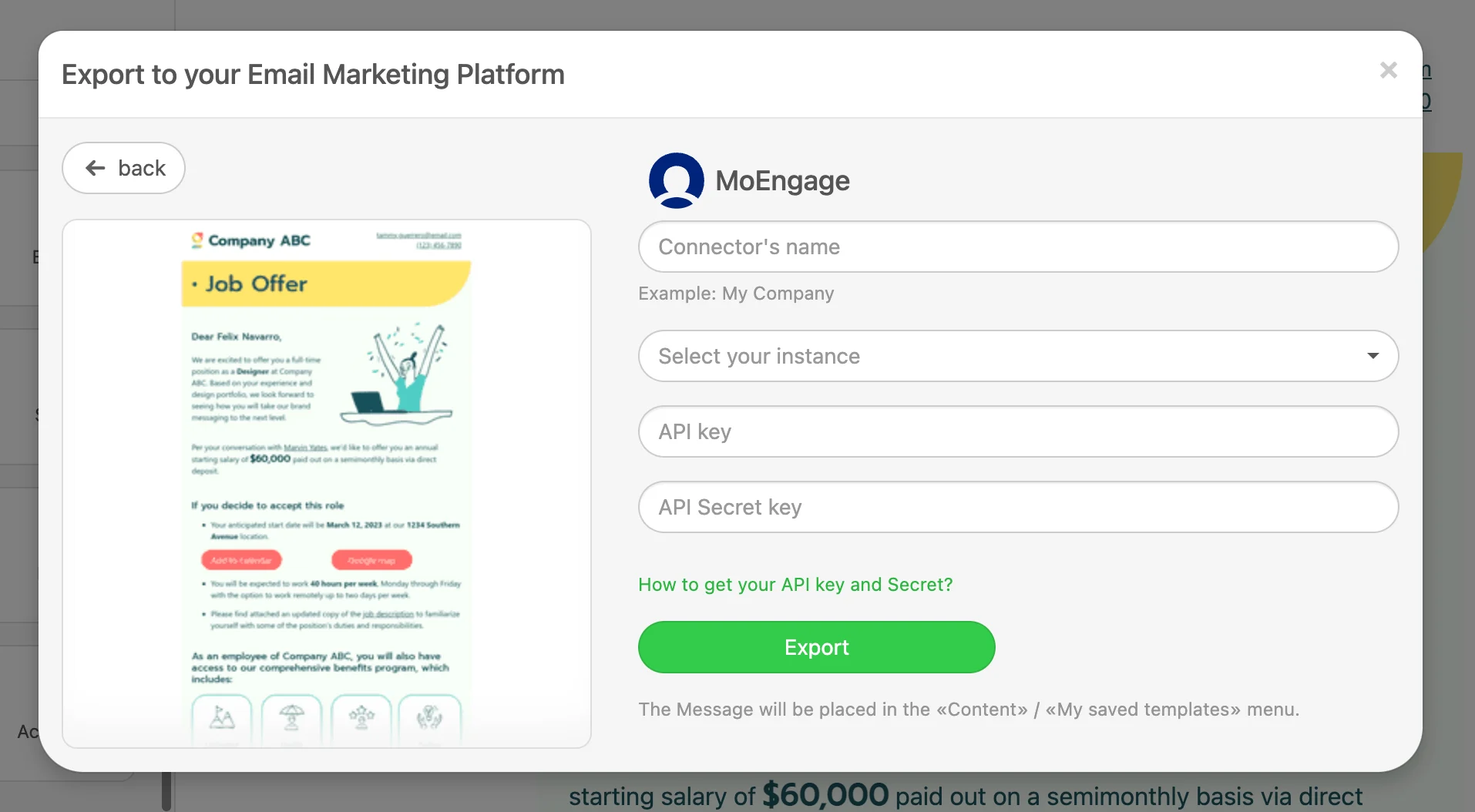
- Add the details of your MoEngage account and click Export.
| Field | Description |
|---|---|
| Connector name | Name of the connector- You can enter the name of your MoEngage app for easy identification |
| Select your instance | Region of your MoEngage data cluster. Read more |
| API key | API key is the Workspace ID. The Workspace ID of your MoEngage account is available at Settings -> Account -> APIs -> Workspace ID. The Data API ID and the Workspace ID of your MoEngage account are the same. |
| API Secret key | API Secret key is the Data API Key. The Data API key of your MoEngage account is available at Settings -> Account -> APIs -> API keys -> Data API settings. |

Step 3 - Using translation in MoEngage campaigns
Email templates-
Once the templates are created, you will be able to access them in Step 2 of your Email Campaigns. You will see the newly created templates under the My saved templates section. Click here to know more about using templates in Email Campaigns.